November 9, 2026
When a computer starts malfunctioning, it can be tempting to troubleshoot the problem independently before seeking professional assistance. Whether the device is running slowly, displaying unexpected errors, or refusing to start, many people try different solutions in hopes of avoiding repair expenses. However, certain troubleshooting mistakes can make an existing problem worse, complicate the repair process, or create additional expenses.
Knowing what to avoid before requesting professional help can make the experience much easier. According to IBISWorld, the electronic and computer repair services industry in the United States is expected to reach a market size of $21.0 billion in 2025, highlighting the demand for professional repair solutions. In this article, we'll discuss 10 costly mistakes people make before calling a computer repair shop and how avoiding them can help protect your device.
1. Ignoring Early Warning Signs
One common mistake is continuing to use a computer despite noticeable performance problems. Slow operation, unexpected shutdowns, unusual noises, and recurring error messages may indicate that something needs attention.
Ignoring these symptoms can make it harder to identify the original source of the problem. Instead of addressing an issue when it first appears, users may continue operating the device until it becomes difficult or impossible to use.
Paying attention to changes in computer performance can help you recognize when professional assistance is necessary. If something seems unusual, document the symptoms and consider contacting a technician rather than waiting for the situation to worsen.
2. Attempting Complicated DIY Repairs
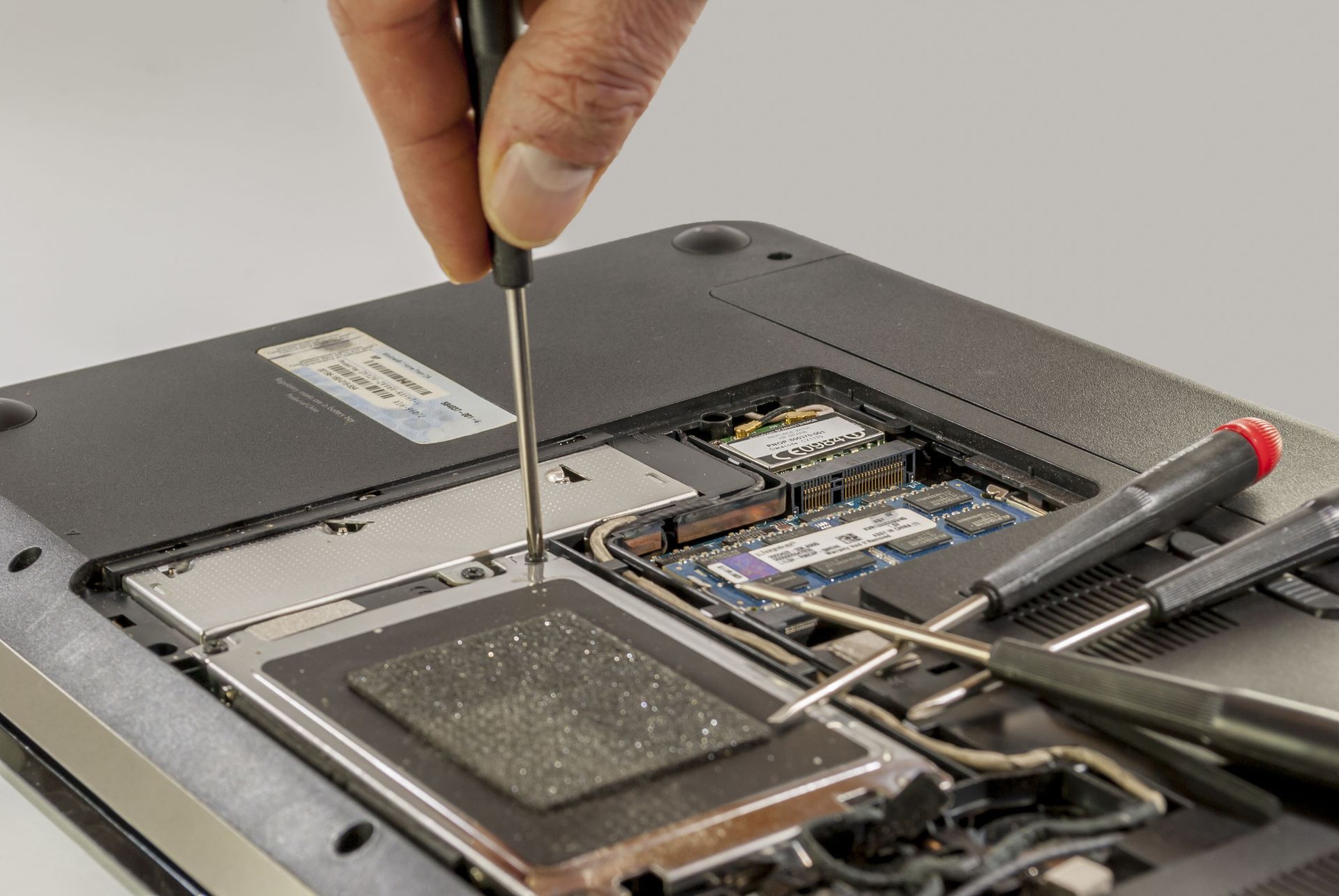
Online tutorials can make computer troubleshooting appear straightforward, but not every repair is appropriate for inexperienced users. Attempting complicated hardware or software repairs without understanding the process can introduce additional problems.
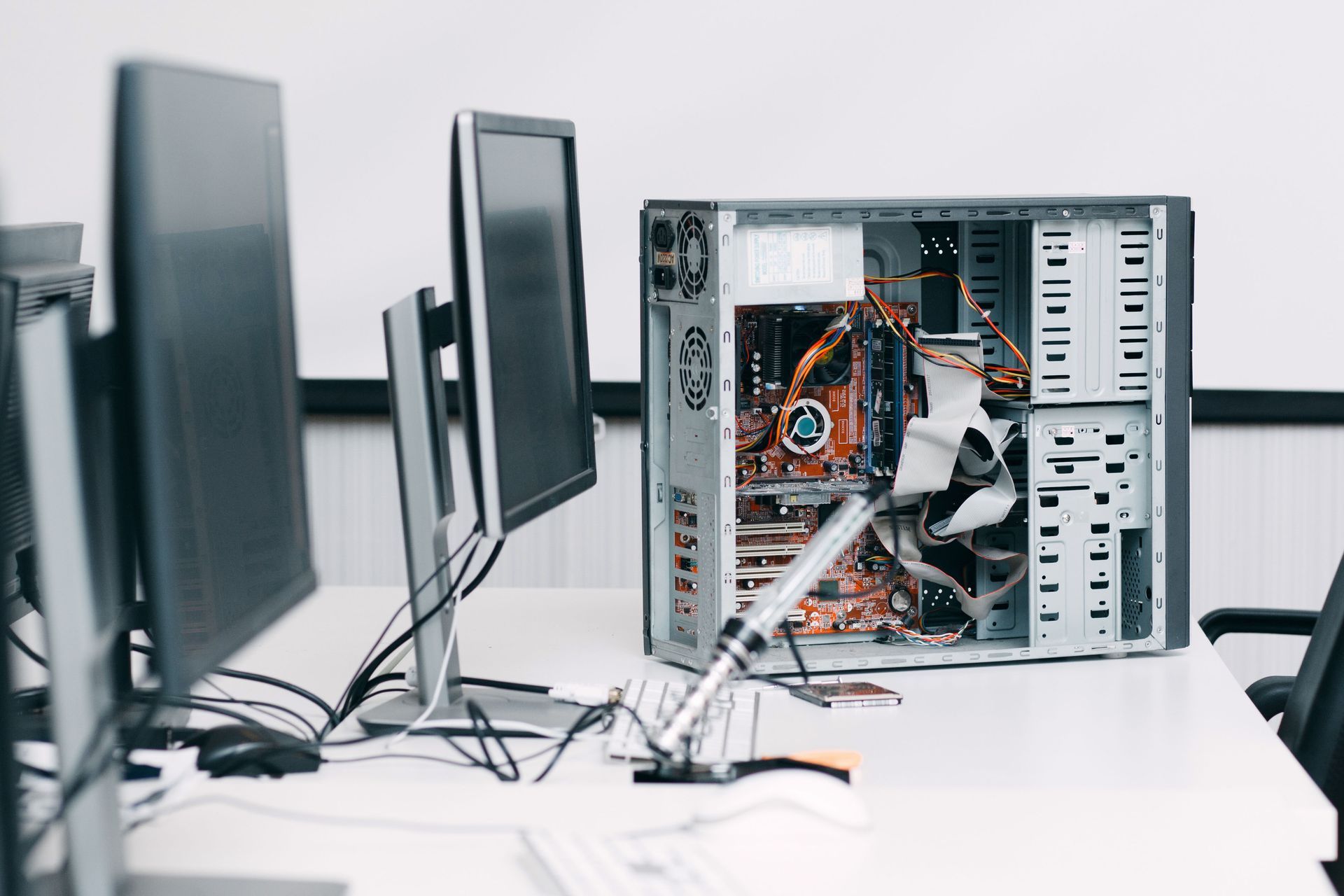
For example, opening a computer without knowing how its components are connected may result in accidental damage. Similarly, changing unfamiliar system settings or attempting advanced repairs without proper guidance can make the original issue more difficult to resolve.
Before experimenting with unfamiliar solutions, consider whether the repair is something you can safely handle. Professional technicians have the experience to evaluate computer problems and recommend appropriate solutions without relying on guesswork.
3. Failing to Back Up Important Files
Another costly mistake is overlooking important files before attempting troubleshooting. Documents, photographs, work projects, and other personal information may be stored on a device experiencing technical problems.
Although not every computer repair involves data loss, certain problems may require procedures that affect stored information. Without a backup, users may have fewer options if their files become inaccessible during the repair process.
Whenever possible, back up important information before attempting significant changes to your computer. If the device will not turn on or you cannot access your files, avoid experimenting with recovery methods and explain the situation to the technician.
4. Downloading Unverified Repair Software
People experiencing computer problems may turn to software advertised as a quick solution. However, downloading unfamiliar programs from questionable sources can introduce additional complications rather than resolving the original issue.
Some programs may request unnecessary permissions, change system settings, or create unwanted software problems. Others may simply fail to provide the repairs they advertise, leaving users with another issue to investigate.
Before installing anything, evaluate the source and consider whether the software is appropriate for your specific problem. If you are unsure, computer repair shops can help determine whether a software-related issue requires professional attention instead of another downloaded program.
5. Repeatedly Restarting a Malfunctioning Computer
Restarting a computer is a common troubleshooting attempt, but repeatedly doing so without understanding the problem may not be helpful. If the device continues displaying the same error or shutting down unexpectedly, restarting it over and over may only delay proper diagnosis.
This approach can also make it harder to recognize patterns in the problem. Users may overlook when the issue started, what happened immediately before it appeared, or whether certain actions consistently trigger the malfunction.
Instead of repeatedly restarting the device, take note of what happens when you attempt to turn it on. Sharing these observations with a technician can help provide a clearer picture of the problem.
6. Deleting Files Without Understanding Their Purpose
When a computer runs slowly or appears to have limited storage, deleting files may seem like an easy solution. However, removing unfamiliar folders or system-related files without understanding their purpose can create additional software problems.
Some files may be necessary for applications or normal system operation. Deleting them without knowing what they do could interfere with programs or make troubleshooting more complicated.
Before removing anything unfamiliar, review what the file belongs to and whether it is safe to delete. If you cannot determine its purpose, leave it alone and ask a professional to evaluate the situation.
7. Resetting the Computer Too Quickly
A factory reset can seem like an appealing solution when a computer experiences persistent software problems. However, resetting a device without understanding the consequences can remove personal files, applications, and settings that the user may want to keep.
It may also fail to address problems caused by hardware malfunctions. If the underlying issue involves a physical component, resetting the operating system may not provide the solution the computer needs.
Before choosing this option, consider whether other troubleshooting approaches are available. A technician can help determine whether a reset is appropriate and explain what information or settings could be affected.
8. Failing to Document the Problem
Another mistake is contacting a repair professional without being able to explain what the computer is doing. While technicians can perform their own evaluations, having a clear description of the symptoms can make the initial conversation more productive.
Try to remember when the issue began, what you were doing when it appeared, and whether anything changed before the malfunction started. You can also take photographs of error messages or write down any unusual behavior you notice.
These details can help technicians understand the situation before beginning their evaluation. Providing accurate information is particularly useful when the problem occurs intermittently or is difficult to reproduce.
9. Choosing a Repair Provider Based Only on Price
Looking for an affordable repair solution is understandable, especially when an unexpected computer problem creates additional expenses. However, choosing a provider based entirely on the lowest advertised price can lead to an unsatisfactory experience.
A low initial quote does not necessarily explain what the repair includes or whether additional costs may arise. Customers should understand the diagnostic process, estimated expenses, repair recommendations, and any applicable service policies before agreeing to the work.
Take time to compare providers based on their communication, experience, and transparency. Reputable computer repair shops should be willing to explain their services and provide clear information about the proposed work.
10. Waiting Too Long to Seek Professional Assistance
Some people postpone professional repairs because they hope the computer will eventually return to normal. Although certain minor issues may seem manageable, repeatedly ignoring persistent problems can create unnecessary frustration and make the device less dependable.
Delaying assistance can also interfere with work, school, personal projects, and other activities that rely on a functioning computer. What starts as an occasional inconvenience may eventually prevent users from completing tasks they need their devices for.
Recognizing when independent troubleshooting is no longer productive is important. If the same issue continues despite reasonable attempts to resolve it, contacting a qualified technician can help you understand what needs attention.
Taking a careful approach before requesting repairs can help protect your device and make the troubleshooting process more productive. Rather than relying on guesswork, consider contacting experienced computer repair shops when your device shows persistent signs of trouble. Reach out to Micro Tech Computers today to discuss your concerns, evaluate your device, and find the right solution for getting your computer back in working condition.