November 23, 2026
Technology plays an essential role in how businesses and individuals communicate, work, and manage everyday responsibilities. When computers experience hardware failures, software issues, or performance problems, having access to reliable repair services can make a significant difference. An advanced computer repair shop needs specialized equipment, diagnostic tools, and technical resources to identify problems accurately and complete repairs efficiently. Understanding these tools also helps customers recognize what goes into professional computer maintenance and troubleshooting.
Using Diagnostic Tools to Identify Computer Problems
Accurate diagnostics are the foundation of effective computer repairs. Before replacing components or making software changes, technicians need to determine the cause of a device malfunction. Advanced diagnostic equipment helps identify hardware failures, performance issues, and compatibility problems that may not be immediately visible.
Common diagnostic tools include:
- Multimeters: These devices measure electrical properties such as voltage, resistance, and current, helping technicians identify power-related problems.
- Diagnostic software: Specialized programs evaluate system performance, monitor hardware temperatures, test memory, and identify potential software conflicts.
- Power supply testers: These tools help determine whether a computer's power supply is delivering the correct voltage and current.
- Memory testing equipment: Technicians use this equipment to identify defective RAM modules that may cause crashes, freezes, or unexpected restarts.
With reliable diagnostic tools, a computer repair shop can identify the underlying cause of a problem rather than relying on guesswork. This approach helps reduce unnecessary component replacements and supports more dependable repairs.
Maintaining Specialized Hardware Repair Equipment
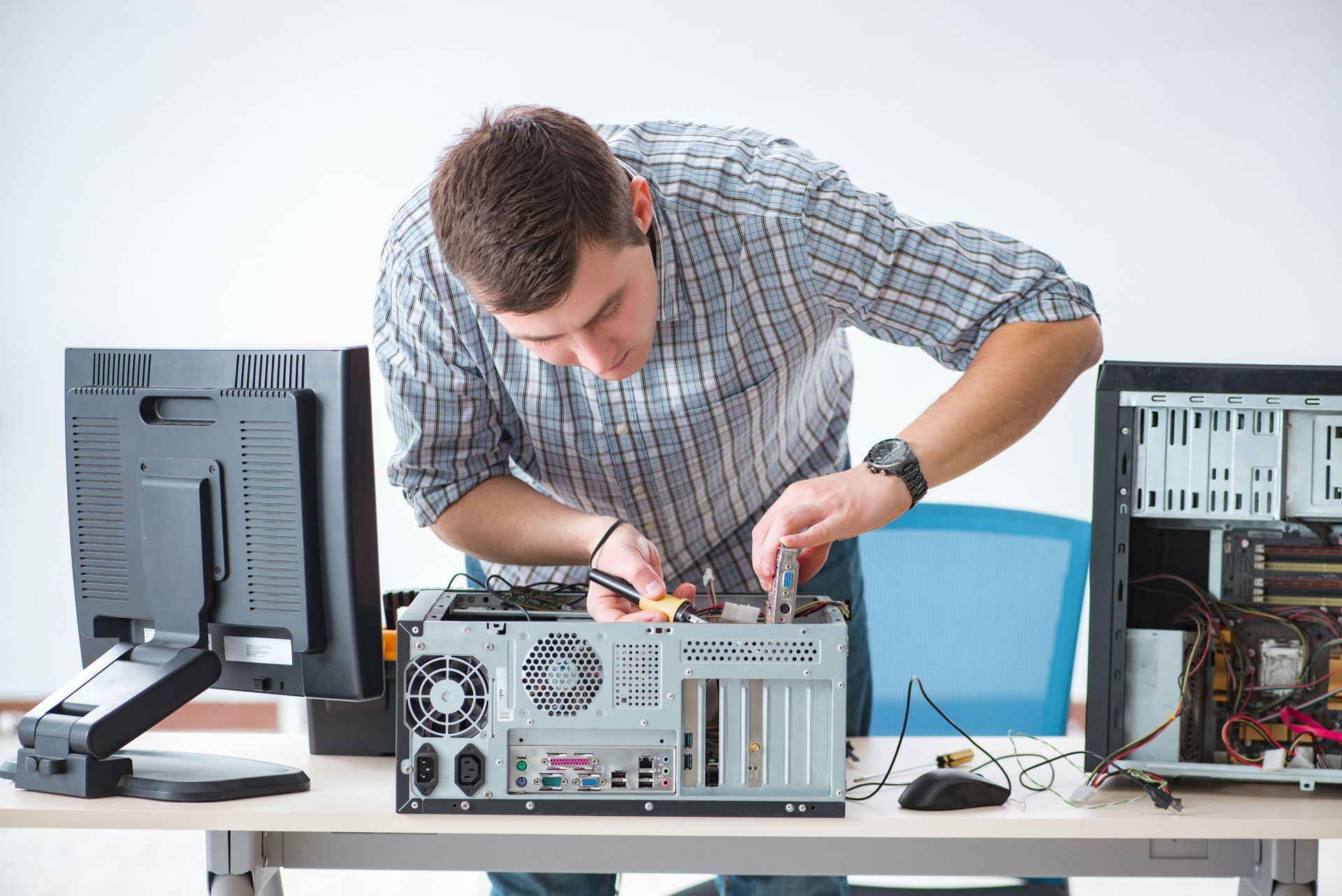
Hardware repairs require precision, especially when technicians work with delicate internal components. Computers contain circuit boards, processors, storage devices, and connectors that can be damaged by improper handling. Having the appropriate repair equipment helps technicians complete these tasks safely and accurately.
Essential hardware repair equipment includes:
- Precision screwdriver sets: Different computer models require various screw sizes and head types, making specialized screwdriver kits necessary.
- Anti-static wrist straps and mats: These accessories help prevent electrostatic discharge, which can damage sensitive electronic components.
- Plastic opening tools: These tools allow technicians to separate computer housings and access internal components without unnecessarily damaging their surfaces.
- Soldering stations: Temperature-controlled soldering equipment is used for certain circuit board repairs and component replacements.
- Replacement components: Having access to compatible hard drives, memory modules, fans, power supplies, and other parts helps technicians address common hardware failures.
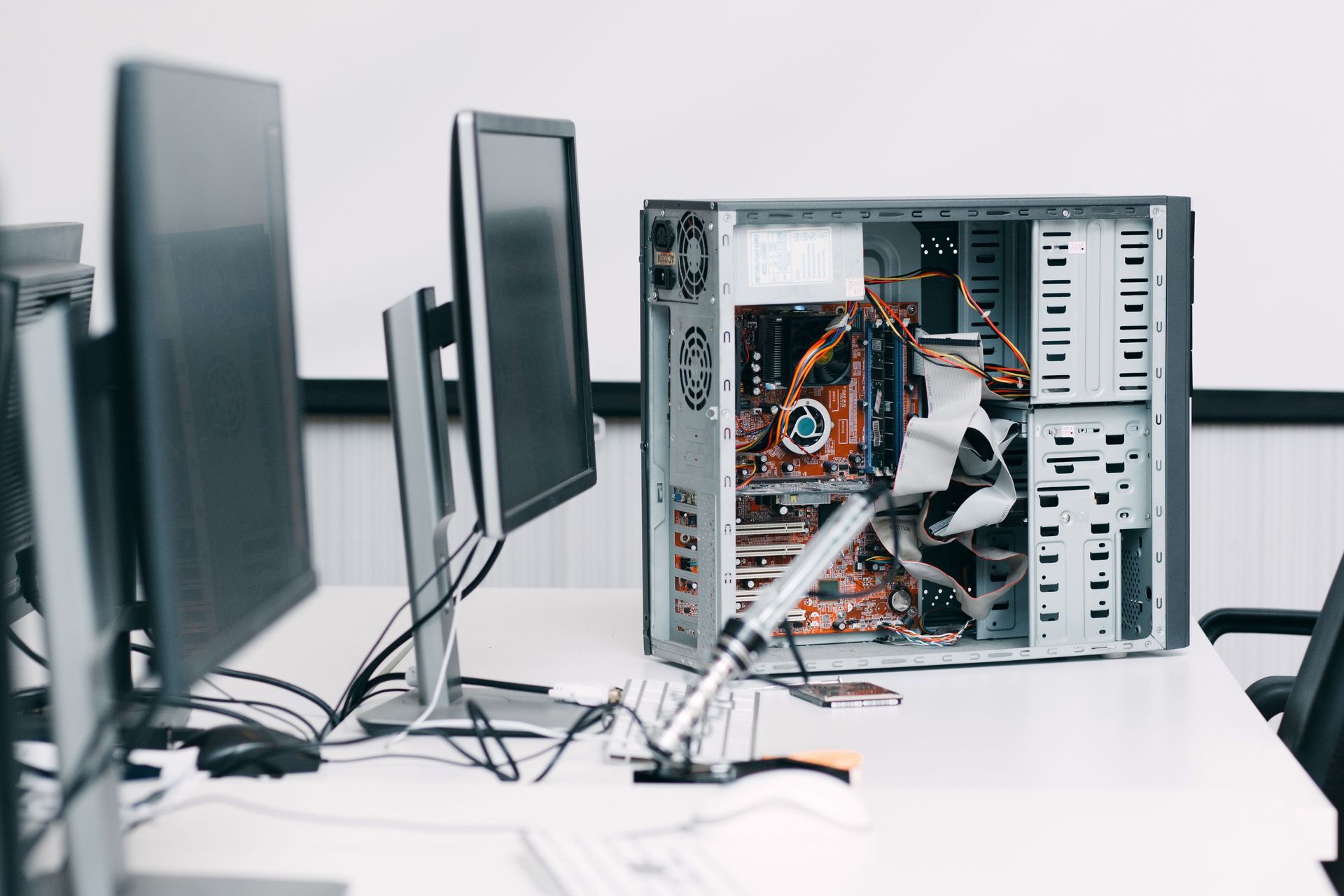
A well-equipped computer repair shop also needs organized workstations where technicians can disassemble, inspect, and reassemble devices. Proper lighting, magnification tools, and component storage systems further support accurate work.
Providing Reliable File Transfer Resources
Moving files between computers requires the right equipment and software to protect important information. Customers may need file transfers when purchasing replacement computers, upgrading storage devices, or moving information from an older system. Without appropriate tools, the process can become time-consuming and increase the risk of missing or corrupted files.
Useful file transfer resources include external hard drives, USB storage devices, SATA-to-USB adapters, and specialized transfer software. These tools allow technicians to connect different storage devices and move documents, photographs, and other files between systems.
Secure storage practices are equally important. Technicians should verify that transferred files are accessible and that the correct information has been moved before completing the service. A computer repair shop should also maintain organized procedures for handling customer devices and protecting personal information throughout the process.
Supporting Repairs With Software and Security Tools
Not every computer problem involves physical hardware. Operating system errors, malware infections, outdated drivers, and software conflicts can also affect device performance. Advanced software tools allow technicians to troubleshoot these problems without unnecessarily replacing functional components.
Important software resources include:
- Operating system installation media: Technicians need legitimate installation resources to repair, reinstall, or configure supported operating systems.
- Malware removal tools: Security programs help detect and remove malicious software that may compromise system performance or user information.
- Driver management utilities: Proper driver installation helps ensure that hardware components communicate correctly with the operating system.
- System optimization software: These programs help identify unnecessary applications, startup processes, and other issues that may contribute to slow performance.
Reliable security software is particularly important when performing virus cleanup. Technicians need tools that can thoroughly scan devices, identify threats, and remove malicious programs. These resources help restore functionality while supporting safer computer use.
Equipping Workstations for Laptop and Screen Repairs
Laptop repairs often require specialized tools because manufacturers use different internal layouts, fasteners, and component designs. Replacing a broken screen, repairing a charging connection, or addressing a keyboard issue requires careful handling and access to compact components.
A properly equipped workstation should include precision tweezers, plastic opening tools, small screwdrivers, magnifying equipment, and appropriate replacement parts. Technicians may also need screen-testing equipment to verify display functionality before returning a repaired device.
AC adapter testing equipment is another valuable resource. These tools help technicians evaluate voltage output, amperage consistency, and connector condition when a laptop experiences charging problems. Testing the adapter before recommending a replacement can prevent unnecessary expenses and help identify the actual source of the issue.
Organizing Replacement Parts and Upgrade Components
Keeping commonly needed replacement parts available can help technicians complete repairs without unnecessary delays. Computer problems frequently involve components that wear out over time or become damaged through regular use. Maintaining an organized inventory makes it easier to identify compatible replacements and complete approved repairs efficiently.
Important inventory items may include:
- Solid-state drives and traditional hard drives.
- RAM modules in different capacities.
- Compatible power supplies and AC adapters.
- Replacement screens and laptop keyboards.
- Cooling fans and other internal components.
- Motherboards and compatible connectors.
A computer repair shop should also maintain an inventory system that tracks component compatibility, availability, and specifications. This helps technicians select appropriate parts for different computer models and avoid installation problems.
Maintaining Equipment for Efficient Repair Turnaround
Having the right tools is important, but maintaining an organized and functional repair environment is equally valuable. Diagnostic equipment should be tested regularly, software should be kept up to date, and replacement parts should be stored in clearly labeled containers. These practices help technicians work efficiently while reducing the possibility of errors. A well-maintained computer repair shop can also handle multiple service requests while keeping equipment accessible and repair tasks organized.
Preventing equipment issues and addressing computer problems promptly can help customers avoid unnecessary expenses. According to Acronis, computer crashes can lead to hundreds of dollars in repair expenses and data loss. Regular maintenance, dependable diagnostic tools, and compatible replacement components can help technicians identify potential problems and complete necessary repairs before additional damage occurs.
Customers also benefit from clear communication throughout the repair process. Technicians should explain the identified problems, discuss available solutions, and set realistic expectations for completion times. Providing timely updates also helps customers plan around device downtime and understand when their computers may be ready for pickup.
Choosing Professionals With the Right Repair Resources
Advanced computer repairs require more than technical knowledge. Specialized diagnostic equipment, precision tools, replacement components, and reliable software all contribute to successful repair work. These resources allow technicians to address hardware failures, improve system performance, replace damaged screens, and resolve software problems.
When choosing a computer repair shop, customers should look for experienced technicians with the equipment and resources to handle a range of computer issues. Micro Tech Computers provides professional computer repair services, hardware repairs and upgrades, virus cleanup, file transfers, and laptop repairs in the Burnsville area. Contact Micro Tech Computers today to schedule a repair and get your computer running smoothly again.